One place for your team’s tutorials, demos and explainers.
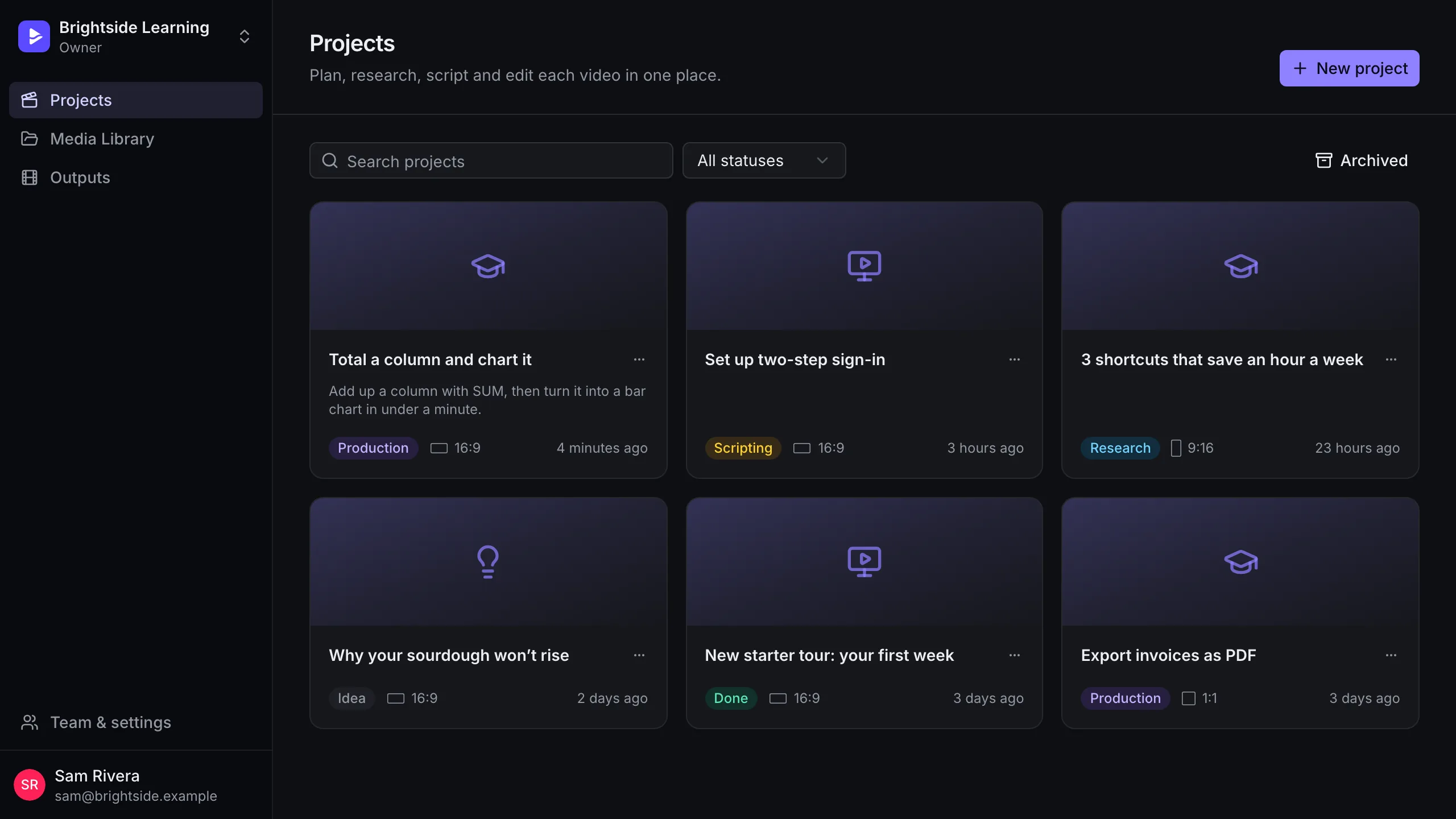
Product, support and marketing teams make a lot of short videos. Keep the projects, the footage and the brand in one shared workspace, and decide who can change what.
Sound familiar?
01
Footage lives on someone’s laptop
When the one person who recorded it is on leave, the update to last quarter’s demo waits.
02
Every video looks a little different
Different tools, different fonts, different arrows. Viewers notice, even if they can’t say why.
03
Review means exporting and emailing
Big files go back and forth, and nobody is sure which version is current.
Four steps, all in one place.
-
1
Create a workspace
Your team’s projects and media library in one place.
-
2
Invite people
Send email invites and pick a role for each person.
-
3
Share the library
Recordings, logos and music uploaded once, used in any project.
-
4
Work in parallel
Plan, script and edit different videos at the same time.
What you’ll use most.
Roles
Owner, admin, editor and viewer. Viewers can watch and read without changing anything.
Email invitations
Invite teammates by email. New people sign in and land in the workspace.
Shared media library
Folders, search and filters for video, audio and images, with live processing status.
Multiple workspaces
Keep clients or departments apart and switch between them in one click.
Aeflow sign-in
Email codes or Google, through your Aeflow account. No new passwords to manage.
50 GB shared storage
Room for a library of screen recordings, footage and music.
How many people are included?
Can two people edit the same timeline at once?
Can clients see videos without an account?
What happens to our videos when someone leaves?
Also made with FluidEditor
Give your team one place to make videos.
Record your screen, point at what matters and export a finished video. Try every feature free for 14 days.
Questions first?
Every feature included · Runs in your browser · Cancel any time