The tutorial video maker that keeps up with your clicks.
Record your screen, then make it easy to follow: zoom into the button, number the steps, blur the email address and caption every line. All in one browser tab.
Sound familiar?
01
Viewers can’t see the button
A 1080p recording of a 27-inch screen turns menu text into a blur on a phone. Zooms fix that, but most editors make each one fiddly.
02
Private details slip through
An API key in a settings page, a customer’s name in a list. One frame is enough for someone to pause and read it.
03
The edit takes longer than the recording
Arrows from one app, captions from another, a screenshot tool for the thumbnails. Every hand-off costs time.
Four steps, all in one place.
-
1
Script it
Write each step’s narration and what should be on screen. You see the running time before you record.
-
2
Record it
Share one window or tab, add your mic, and start after the countdown. It lands on the timeline at the playhead.
-
3
Point at it
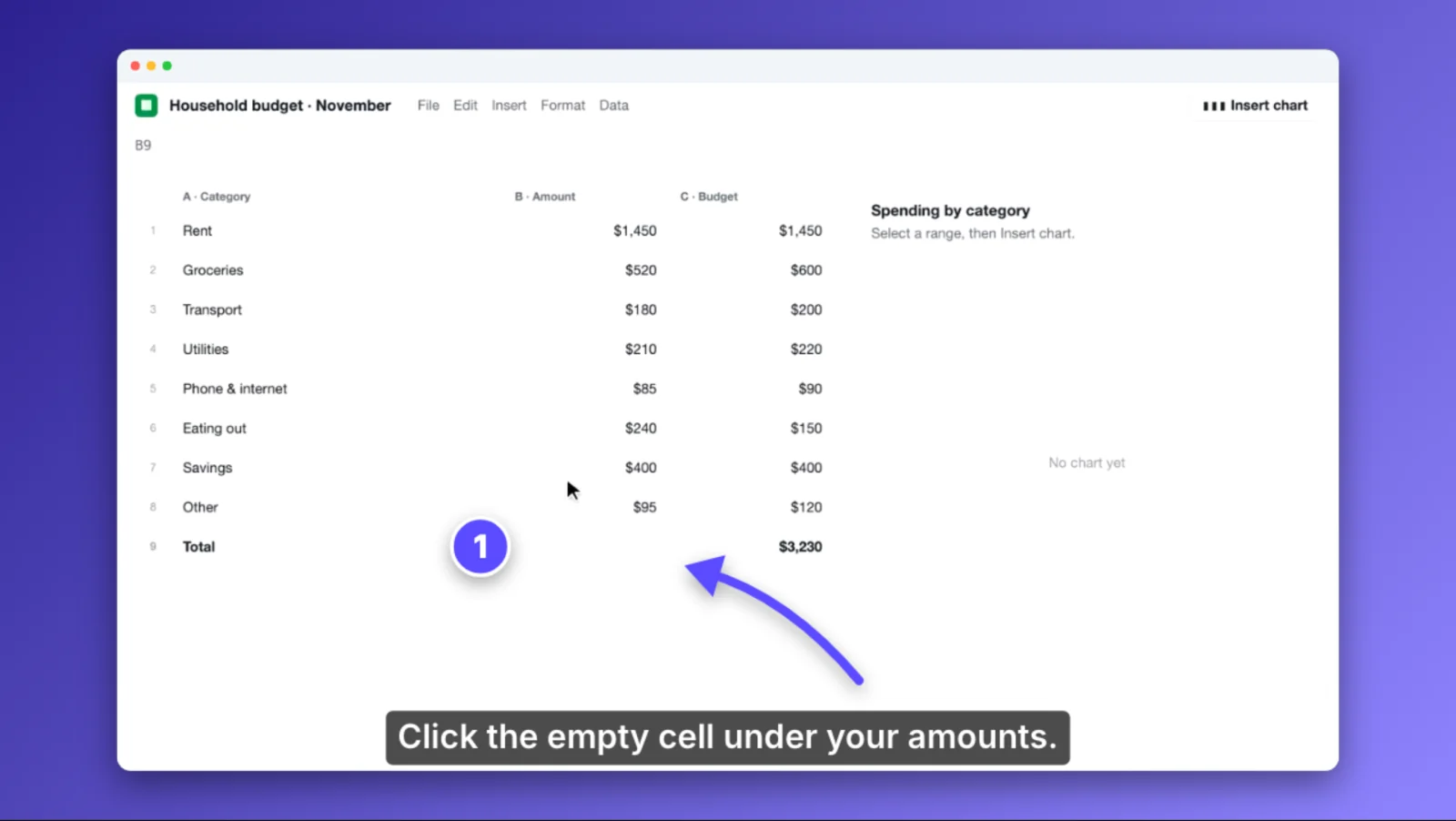
Press Z and drag a box to zoom. Press A for an arrow, N for a numbered badge, H to highlight. Blur anything private.
-
4
Ship it
Turn the script into captions, put the recording in a polished frame and export 1080p or 4K.
What you’ll use most.
Zoom & pan in seconds
Drag a box on the preview. The zoom eases in, holds and eases out, and you can drag its edges on the timeline.
Step badges that count
Numbered circles number themselves in order, so inserting a step never means renumbering by hand.
Blur and pixelate
Cover keys, emails and names, and keyframe the box to follow content that scrolls.
Keyboard shortcut chips
Show ⌘ ⇧ K as proper keys on screen. Typed as text, so they’re sharp at any size.
Polished frame
A browser-window frame, padding, rounded corners and a shadow, over a gradient or your own image.
Captions from your script
Lay your narration on the timeline as text, then export SRT or WebVTT for YouTube.
Can FluidEditor zoom in automatically where I click?
Which browsers can record the screen?
Can I show my face on camera?
How do I keep a long tutorial manageable?
Also made with FluidEditor
Record your first tutorial today.
Record your screen, point at what matters and export a finished video. Try every feature free for 14 days.
Questions first?
Every feature included · Runs in your browser · Cancel any time