From video idea to upload, without a pile of apps.
Research the topic, write a hook that holds, script every segment, then edit and export for long-form and Shorts. Your notes stay next to your timeline.
Sound familiar?
01
Ideas live in five places
Notes app, a doc, a spreadsheet of sources, bookmarks for reference videos. None of it is next to the edit.
02
The hook gets written last
The first 30 seconds decide whether people stay, and they often get the least planning.
03
Shorts are a second project
Re-cutting a long video for 9:16 shouldn’t mean starting over in another tool.
Four steps, all in one place.
-
1
Research
Save reference videos with takeaways, and sources with an accuracy rating.
-
2
Hook and script
Write the hook first, then the outline and every segment’s narration.
-
3
Edit
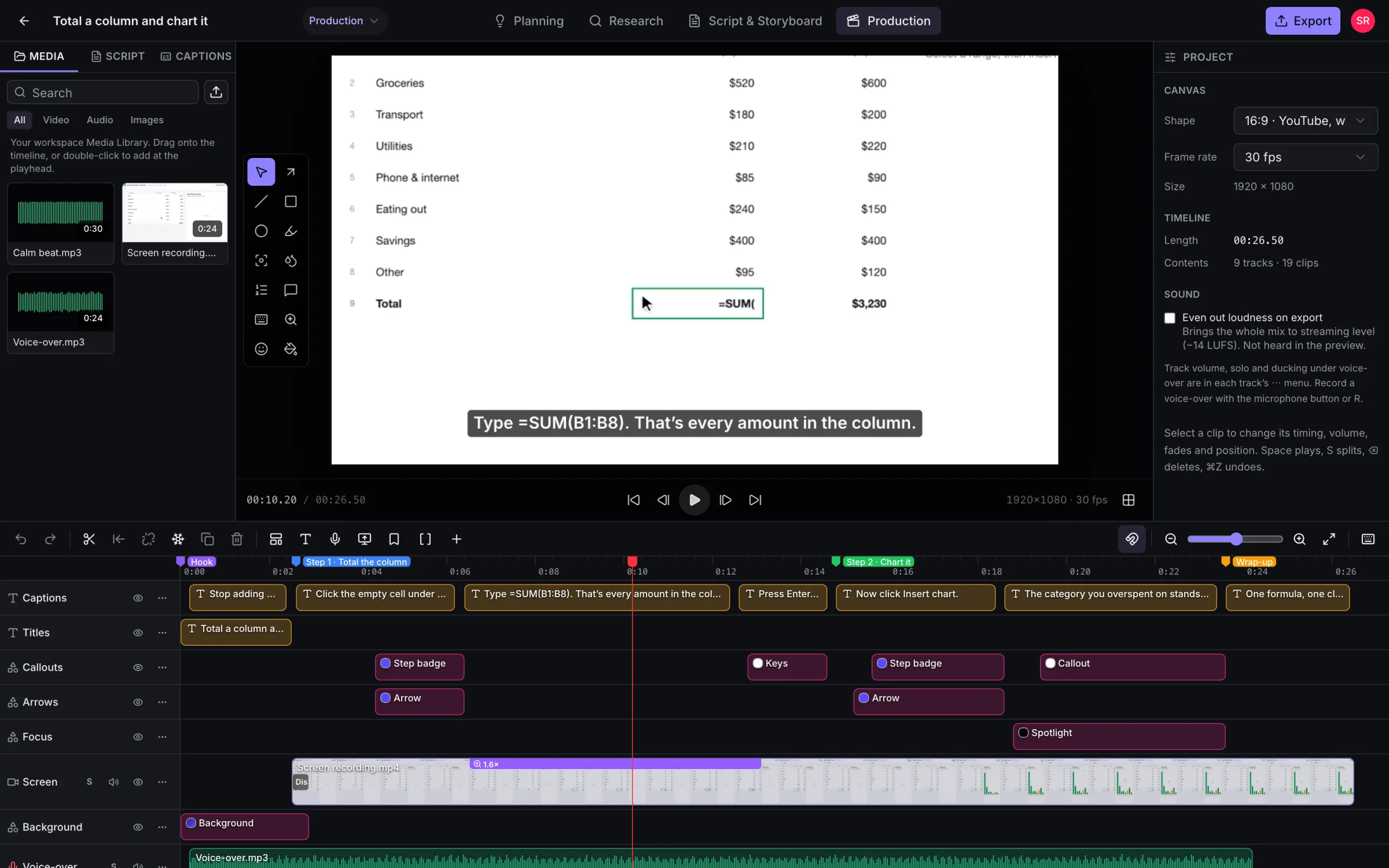
Multi-track timeline with keyframes, transitions, colour looks, speed and captions.
-
4
Export twice
YouTube 1080p or 4K for the main video, 9:16 for Shorts, captions as SRT.
What you’ll use most.
Research that stays put
Audience notes, example videos, sources and objectives live in the project, not in a separate doc.
Hook and script tools
Sections and segments with narration, visual notes and estimated time, so you know the length before recording.
Keyframes and looks
Animate position, scale, rotation and opacity. Apply a colour look or adjust by hand.
Transitions and speed
11 transitions, speed changes, reverse and freeze frames.
Shorts at 9:16
Export vertical 1080×1920 for Shorts, Reels and TikTok.
Captions
Import or export SRT and WebVTT, styled with text presets.
Can I upload straight to YouTube?
Does it handle 4K footage?
Is FluidEditor good for vlogs or gaming videos?
Can I make thumbnails?
Also made with FluidEditor
Plan and edit your next upload in one place.
Record your screen, point at what matters and export a finished video. Try every feature free for 14 days.
Questions first?
Every feature included · Runs in your browser · Cancel any time